A guide to use open source program KiCad for your next electronics project.
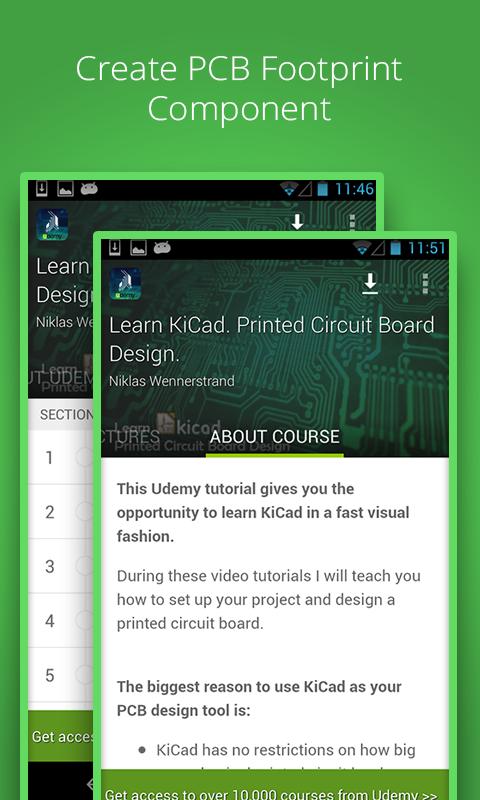
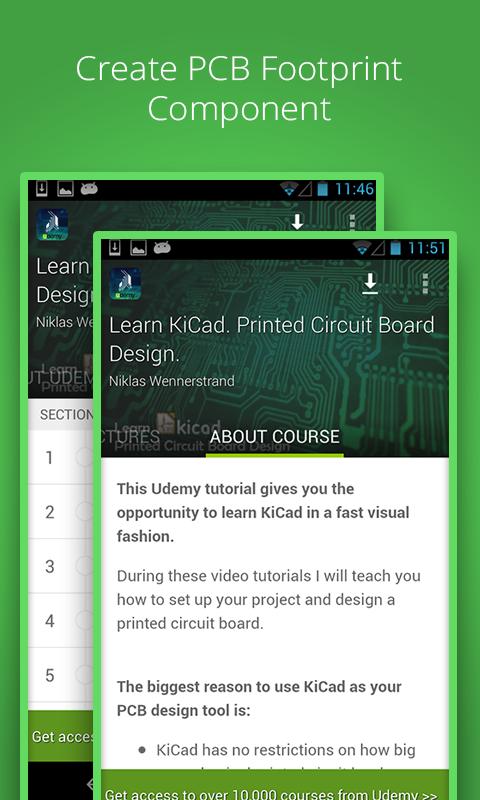
This Udemy tutorial gives you the opportunity to learn KiCad in a fast visual fashion. During these video tutorials I will teach you how to set up your project and design a printed circuit board.
The biggest reason to use KiCad as your PCB design tool is:
- KiCad has no restrictions on how big your physical printed cicuit bord can be.
- KiCad is free and perfect to use within the maker community.
- KiCad is open source.
- KiCad has no complex and expensive licensees associated with it.
*WHAT YOU WILL LEARN*
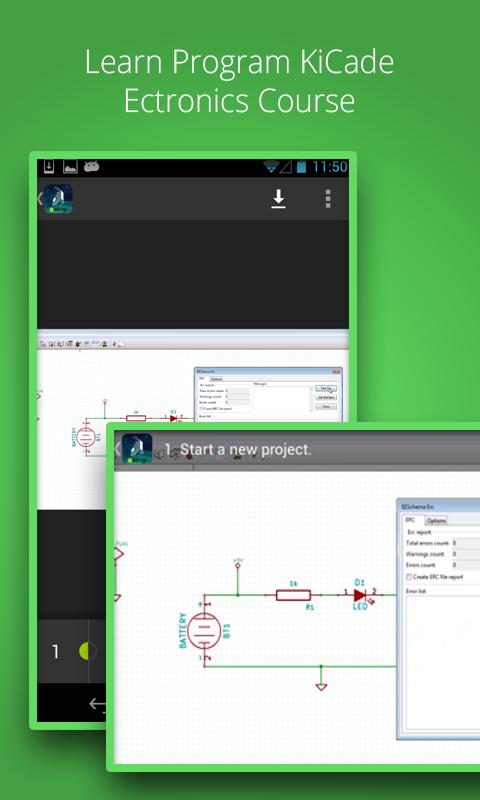
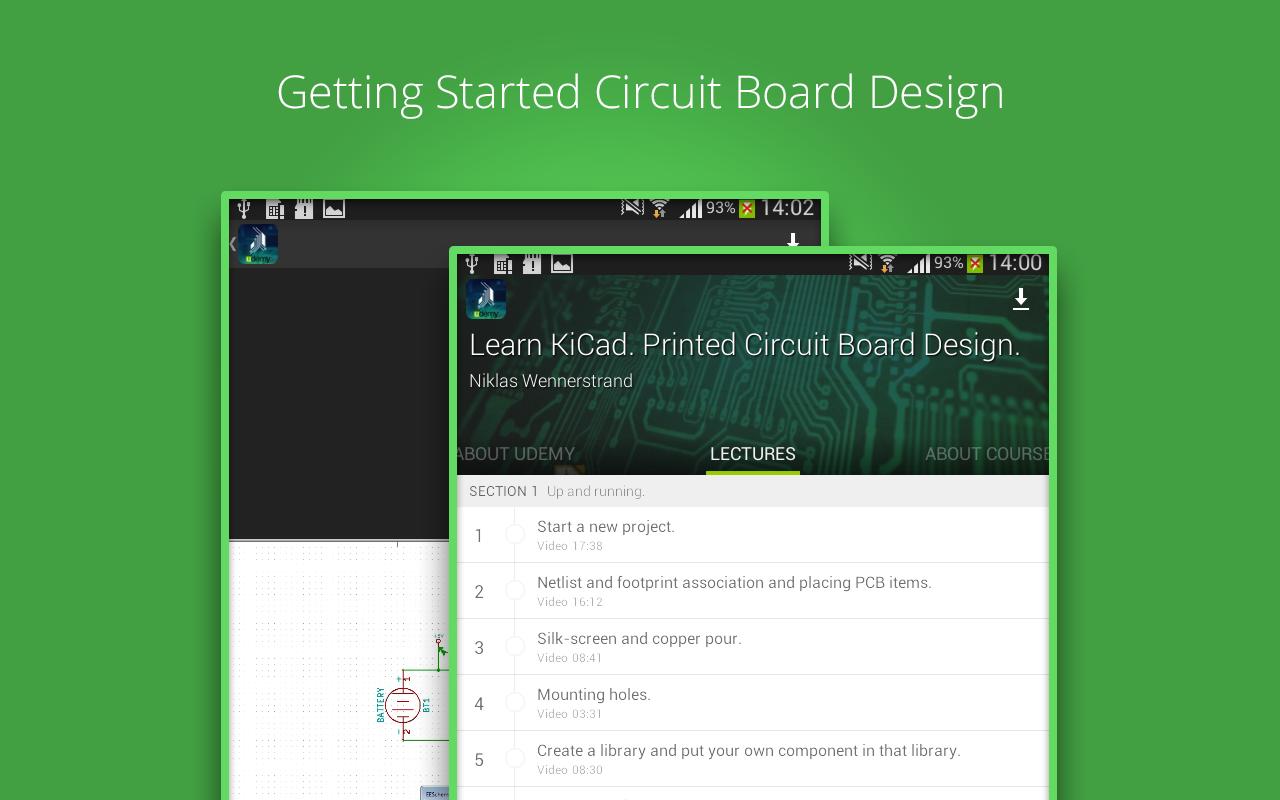
✔ Start a new project.
✔ Netlist and footprint association and placing PCB items.
✔ Silk-screen and copper pour.
✔ Mounting holes.
✔ Create a library and put your own component in that library.
✔ Create PCB footprint component.
✔ Add Footprint search path
✔ Prepare production files.
*ФУНКЦИИ*
• Lifetime access to 8 lectures
• A community of 600+ students learning together!
• Watch courses on the go: video lectures, audio lectures, presentations, articles and anything inside your course.
• Watch courses in offline: Save courses for offline viewing so you can watch them while you're on a plane or subway!
Instructed By : Niklas Wennerstrand | Инженер
Niklas Wennerstrand is an electronics engineer that has been working in the electronics industry for many years. He has been working as a field application engineer as well as an electronics designer, company owner and manager.
Install the " Printed Circuit Board Course " app now and join over 4 million students who are already learning on Udemy.